
AI Agents for Continuous QA: Catch Broken Flows Before Users Do
Most teams already know the bad version of quality assurance: a release goes out, a customer trips over a broken flow, and the team opens three tabs to reconstruct what happened. Someone checks the browser console. Someone else asks whether the bug is already on the backlog. A third person starts a fix, but only after the team agrees who owns it.
That is not just a QA problem. It is an ownership problem.
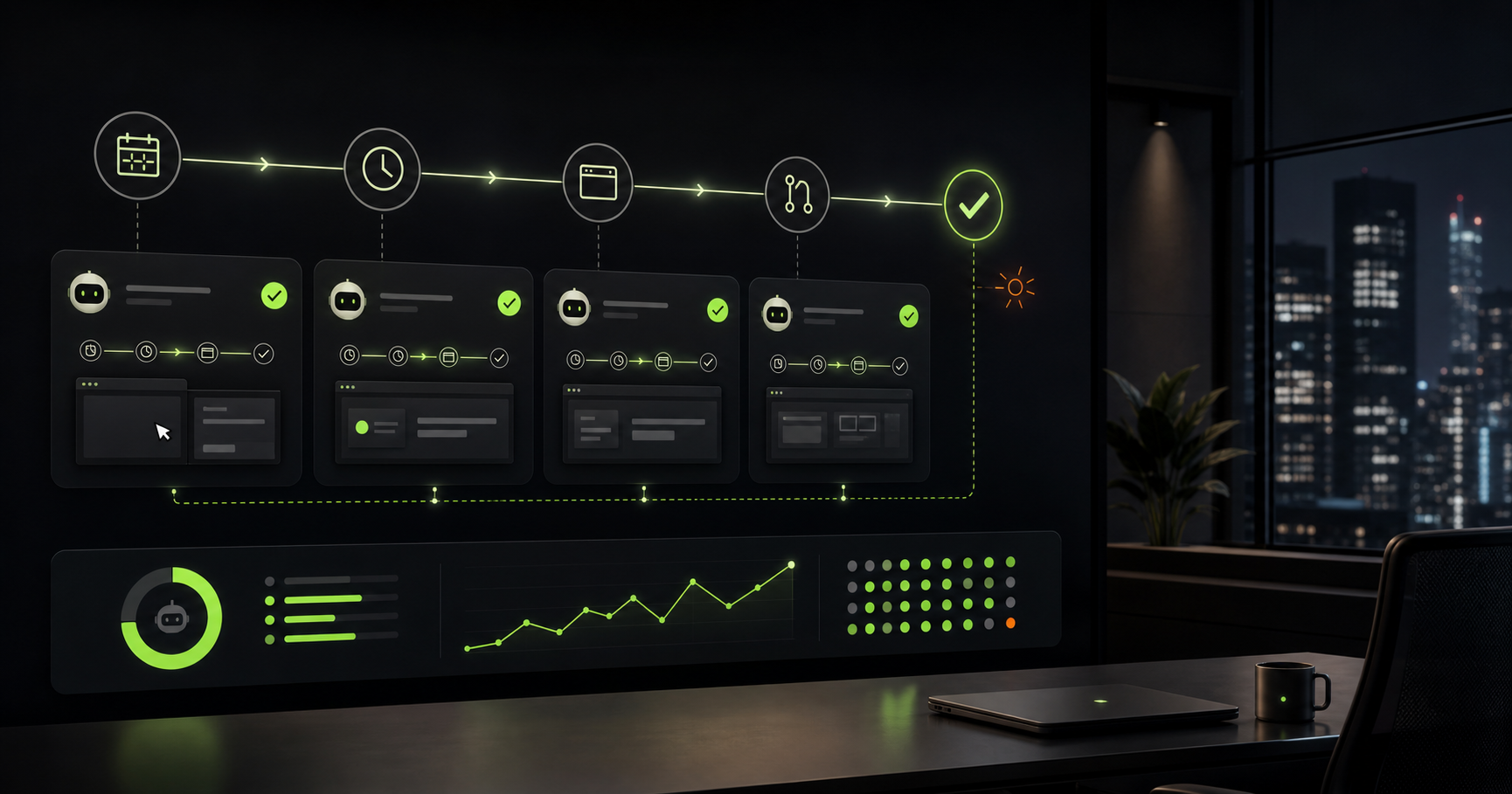
Modern software changes too often for quality to depend only on scheduled test passes, heroic manual checks, or a single engineer remembering every edge case. Teams need a way to keep important product flows under watch without turning developers into full-time monitors. This is where AI agents for continuous QA become useful: they can turn recurring product checks into small, reviewable work that runs even when nobody has manually opened the app.
For teams evaluating AI software agents, this is one of the most practical starting points. Continuous QA is specific, bounded, and easy to verify. The agent is not being asked to invent a product strategy. It is being asked to inspect a known flow, collect evidence, and create a focused follow-up when something breaks.
What continuous QA means in a real product
Continuous QA is not the same as "run the test suite more often." Test suites matter, but many customer-facing failures happen between the lines: a button hidden behind a layout shift, a checkout step that still loads but no longer submits, a settings panel that works on desktop and clips on mobile, or a dashboard that silently renders yesterday's data.
Those failures are hard to catch because they often require context. The system might be technically available, the unit tests might pass, and the page might still be wrong.
An AI agent workflow can watch those surfaces with a broader instruction:
- Visit the critical flow.
- Capture what the user would see.
- Compare it against the expected behavior.
- Record evidence when the flow drifts.
- Open a Story or pull request when the fix is small enough to own.
That last point matters. The useful output is not "something looks weird." The useful output is a scoped unit of work with screenshots, logs, repro steps, and a path to review.
Why scheduled agents are different from dashboards
Dashboards are good at telling you a metric changed. They are less good at explaining why a user could not complete a task.
Scheduled AI agents can operate closer to the product surface. Instead of waiting for a metric to drop, an agent can run a daily or hourly check against important flows: sign up, invite a teammate, create a project, publish a change, review a pull request, update billing, or export a report.
That changes the failure loop. A normal failure loop looks like this:
- User finds the issue.
- Support or product hears about it.
- Engineering investigates.
- The team opens a ticket.
- Someone eventually fixes it.
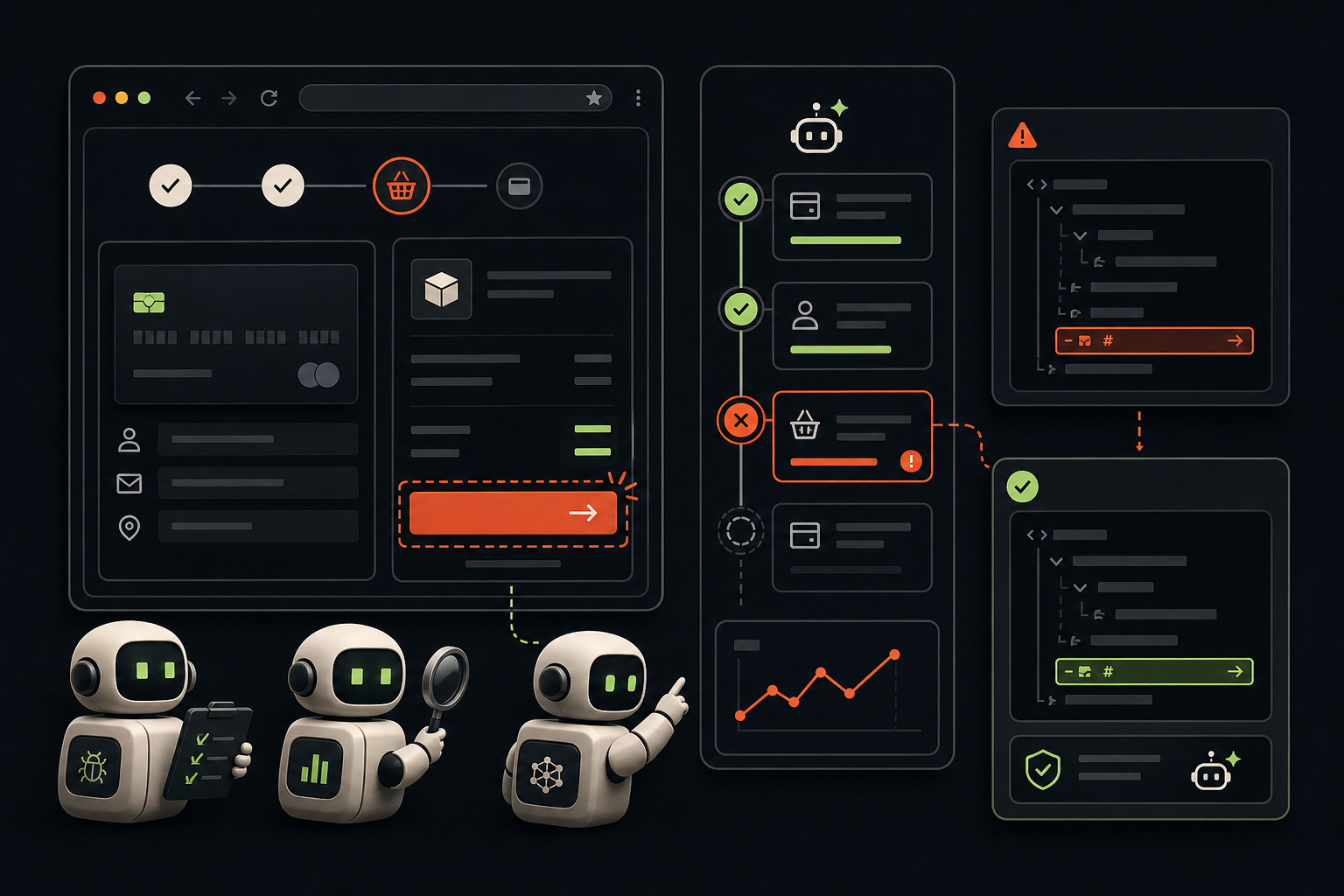
An agent-assisted loop can look like this:
- Scheduled agent checks the flow.
- Agent captures evidence of the breakage.
- Agent opens a Story with the observed behavior.
- If the fix is small, an implementation agent prepares the pull request.
- A reviewer approves or requests changes with the evidence in hand.
The point is not to remove review. The point is to remove the waiting room before review.
What makes AI agents useful for QA automation
Traditional QA automation is strongest when the expected behavior is already known and stable. That is still valuable. But many product teams also need judgment around softer questions:
- Does this page still make sense after the new empty state?
- Did the mobile layout keep the primary action visible?
- Does the onboarding flow still explain the next step?
- Did the support article link move to a 404?
- Is the app asking the user to do two contradictory things?
AI agents can help here because they can work with instructions that sound like product review, not only assertions that sound like code. A good agent can inspect the page, summarize the mismatch, and preserve enough context for a human to decide whether the issue is real.
That does not mean every observation should become a code change. The system should still prefer small, reviewable outputs. "The billing page has two competing primary actions on mobile" is useful. "Redesign billing" is not.
Start with flows that have a clear owner
The easiest way to get value from AI agents for QA is to start with flows that are important, repeatable, and clearly owned. If nobody owns the flow, the agent will only produce noise. If the expected behavior is undefined, the agent will guess.
Good candidates include:
- Account creation and onboarding.
- Team invitation and permissions.
- Checkout, billing, and plan changes.
- Content publishing flows.
- Report generation and exports.
- Critical admin actions.
- Documentation links from high-traffic pages.
Each check should have a short prompt that names the expected user outcome. For example: "Verify that a new user can create a project, invite a teammate, and reach the project dashboard. Capture screenshots and open a Story if any step blocks completion."
That instruction is concrete. It tells the agent what success looks like, what evidence to collect, and when to escalate.
The SEO takeaway: AI QA agents should produce reviewable work
Searches for AI QA automation, AI testing agents, and autonomous coding agents often blur together. The better framing is workflow quality. A useful agent does not merely run tests. It moves a quality concern into the same reviewable delivery loop that engineers already trust.
That means the output should include:
- A clear Story title.
- The exact flow checked.
- Screenshots or logs showing the failure.
- Expected versus actual behavior.
- The smallest reasonable fix, when known.
- Verification steps after the fix.
This is why evoxiv treats agents as part of a delivery system, not as a standalone chatbot. A scheduled check can create the Story. An implementation run can prepare the change. A reviewer can approve or request changes. The history stays visible.
A practical first agent check
If your team wants to try continuous QA with AI agents, do not start with every page in the product. Start with one flow that hurts when it breaks.
Pick a flow with a real business consequence, write the expected outcome in plain English, and schedule the agent to run on a cadence that matches the risk. Daily is enough for many product surfaces. Hourly may make sense for checkout or publishing.
Then measure a simple question: did the agent find a real issue before a customer, executive, or support thread did?
If the answer is yes, expand carefully. Add one more flow. Tighten the prompt. Make the evidence better. Keep the work reviewable.
The future of software QA is not a giant dashboard that tells everyone to worry. It is a set of small, reliable checks that create useful work at the moment the product starts to drift.
For teams building with AI agents, that is the standard worth aiming for: fewer surprises, faster fixes, and a quality loop that keeps moving even when nobody is staring at the app.